
Guests see when their order is ready — no shouting
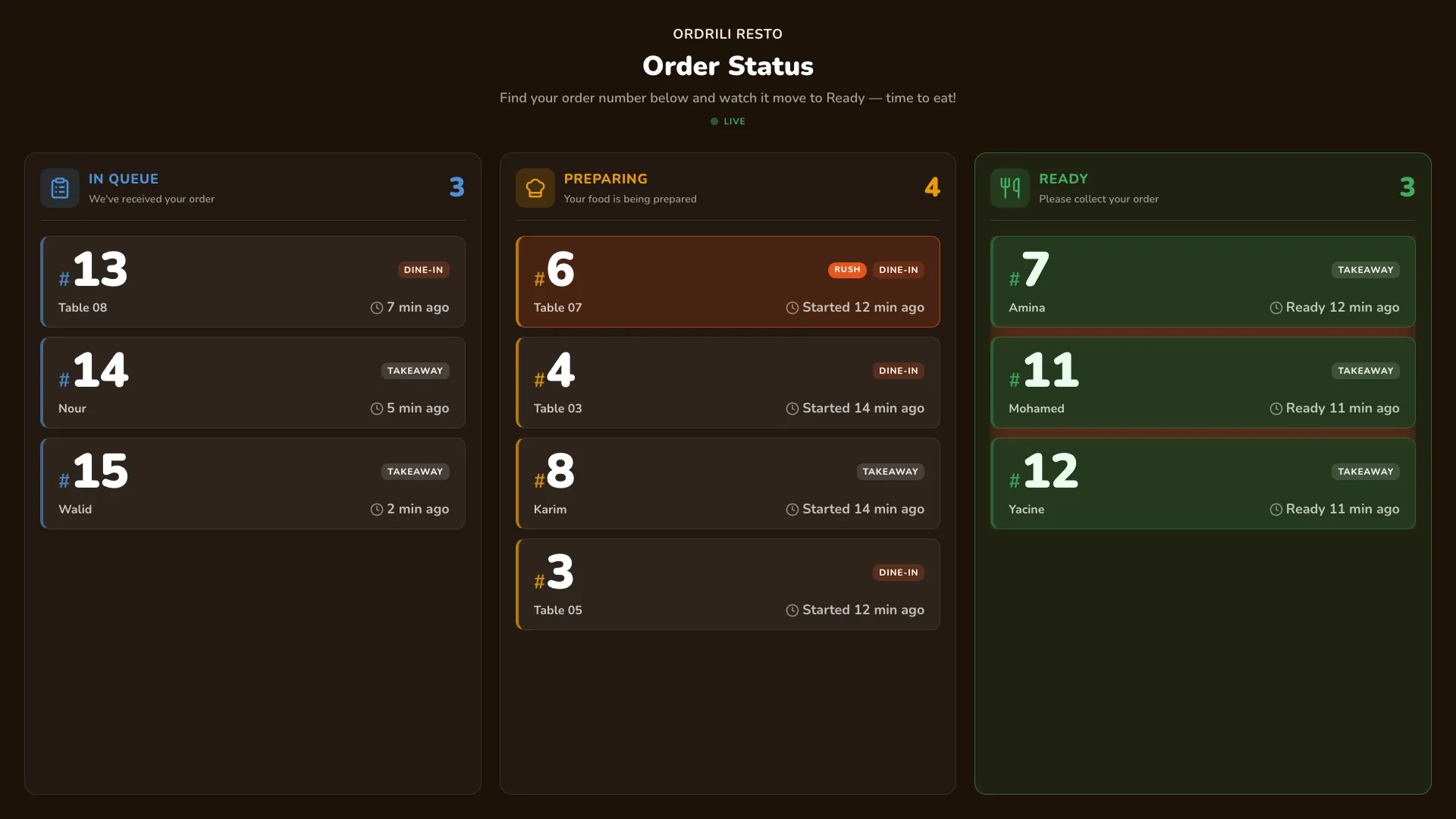
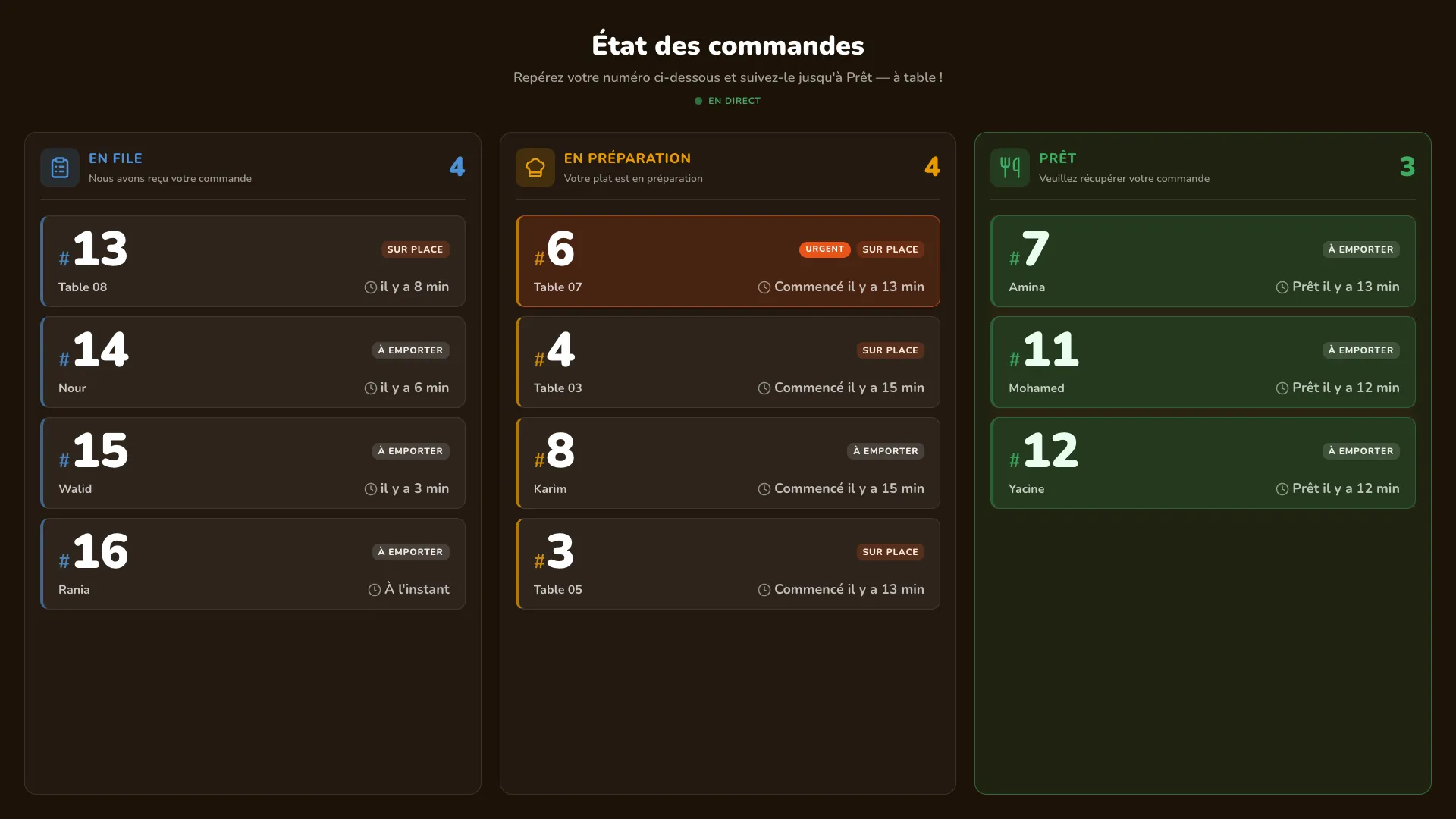
A TV in your restaurant shows every order number moving from “In queue” to “Preparing” to “Ready”. Guests relax, your counter stays calm, and nobody has to call out names.
Why restaurants use it
Big, clear numbers
Order numbers are easy to read from across the room.
A chime when ready
A sound plays as soon as an order reaches “Ready”.
Rush orders first
Urgent orders appear at the top of their lane.
Three languages
The board switches between Arabic, French and English on its own.
No names on screen
Only order numbers are shown — your guests’ details stay private.
Nothing waits too long
Orders left in “Ready” too long are highlighted so they get picked up.
How it works
- 1
Connect the TV
Open the Ordrili Spot app on the TV and connect it by scanning a code.
- 2
Orders appear
Every new order shows up in “In queue”.
- 3
They move by themselves
As the kitchen works, numbers move to “Preparing” and “Ready”.
- 4
Guests collect
Guests see their number, hear the chime and come to the counter.
Questions about this feature
A TV or large screen running the Ordrili Spot app — on a smart TV or a small device plugged into the TV.
No. Only order numbers and, for dine-in, the table — never names or phone numbers.
Yes. Guests order at the kiosk, get a number, and watch it on the board.
Ready to run a smoother service?
Tell us about your place and we’ll call you within 24 hours to set it up with you.
Prefer to talk first?