
Guests order from their seat — no waiting to be noticed
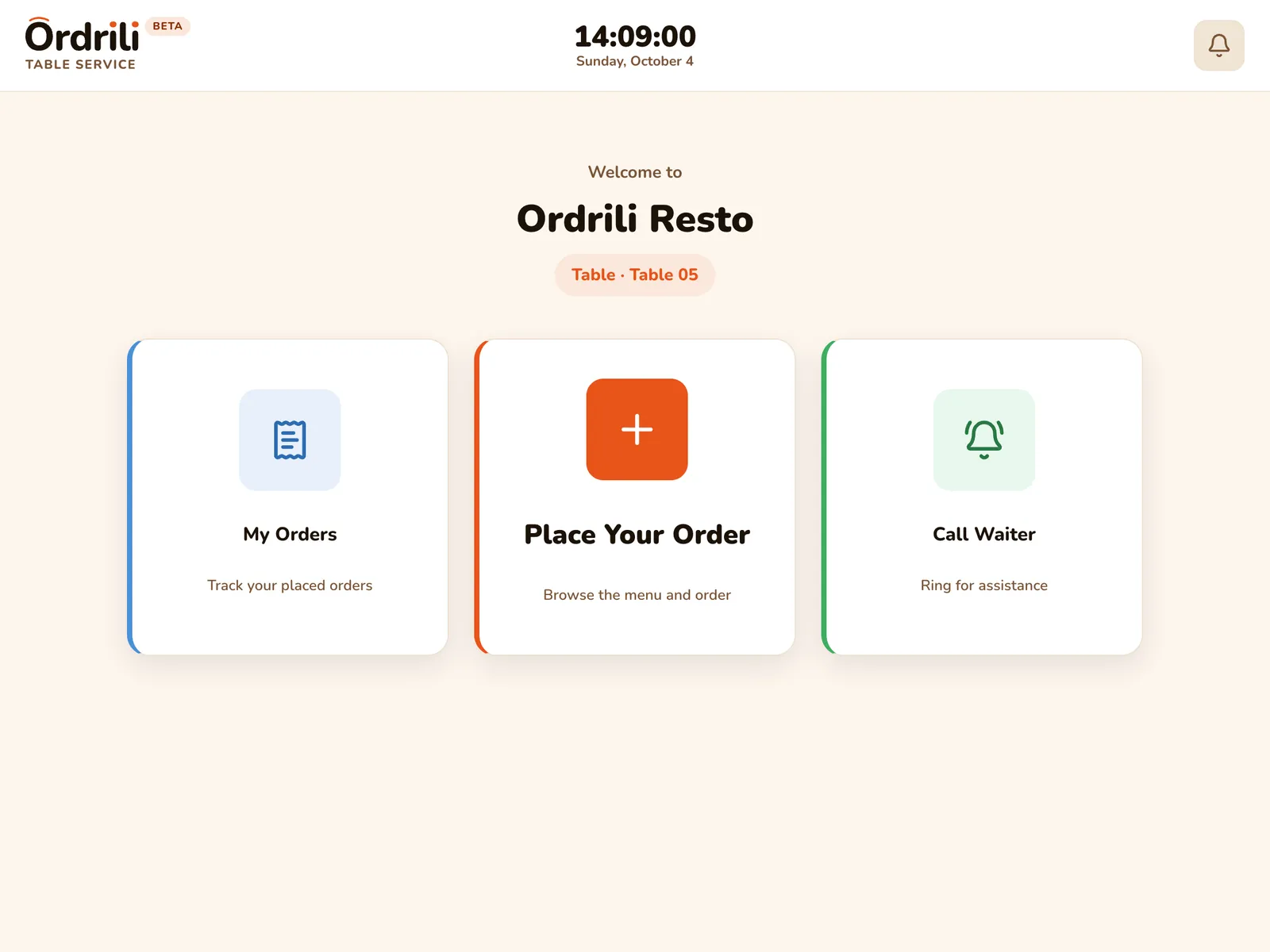
A tablet on each table shows your menu with photos. Guests choose what they want, send it straight to the kitchen, and follow it until it arrives — while your waiters focus on serving.
Why restaurants use it
A menu that sells
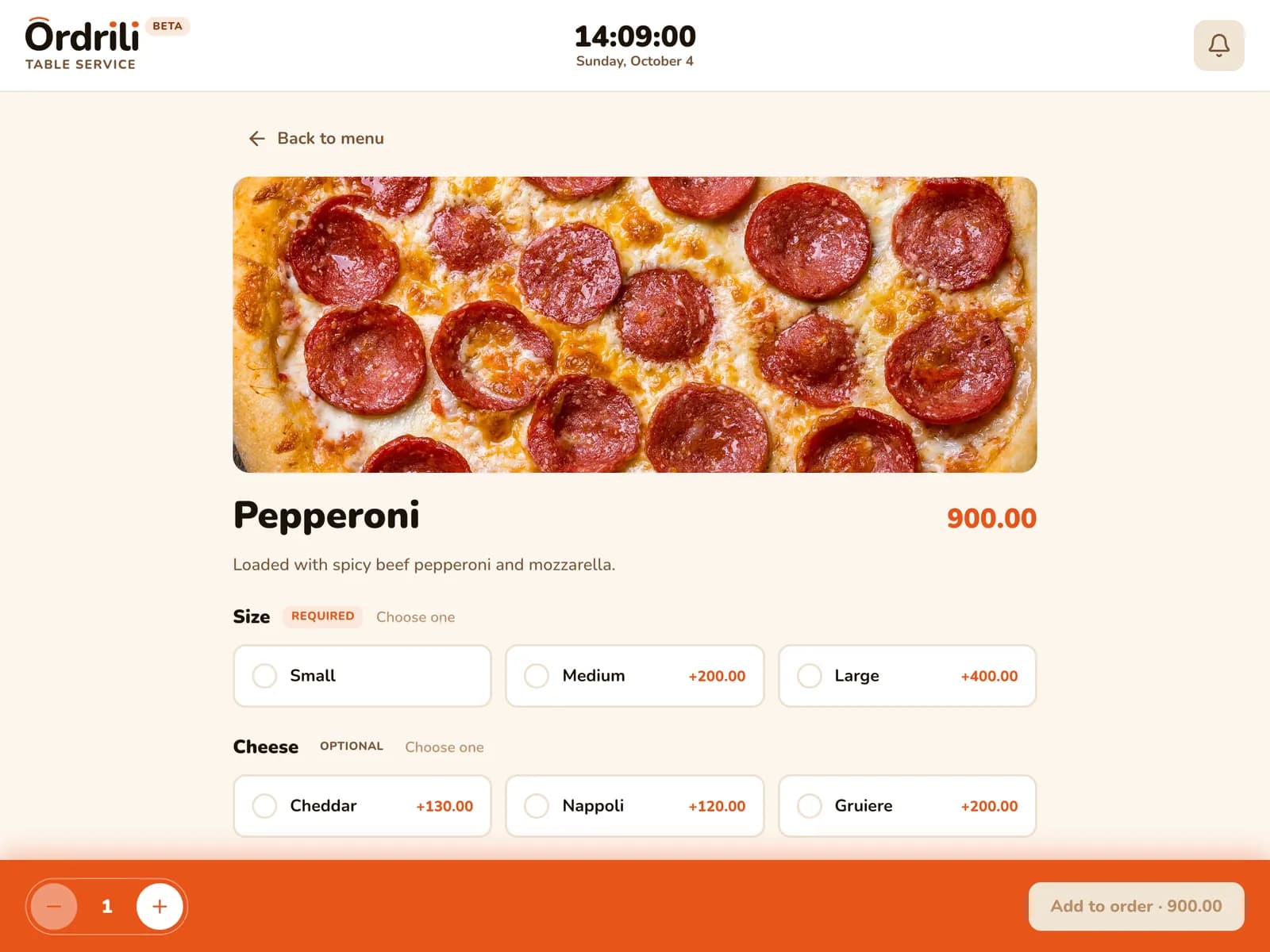
Photos, descriptions, sizes and extras make every dish easy to choose.
Shared tables, clear bills
Each guest picks their seat, so every order lands in the right place.
Orders without mistakes
Guests choose options and add notes themselves — nothing is misheard.
Call the waiter
One tap sends a call to your waiters’ phones.
Their own language
Each guest picks Arabic, French or English; the next guest starts fresh.
Or hand it over
No tablet on every table? Use a roaming tablet your waiter brings to any guest.
How it works
- 1
Guests sit down
Your staff open the table, and the tablet is ready.
- 2
They browse and choose
Photos, sizes, extras and notes, in their language.
- 3
The order goes to the kitchen
It appears on the kitchen screen right away.
- 4
They follow it live
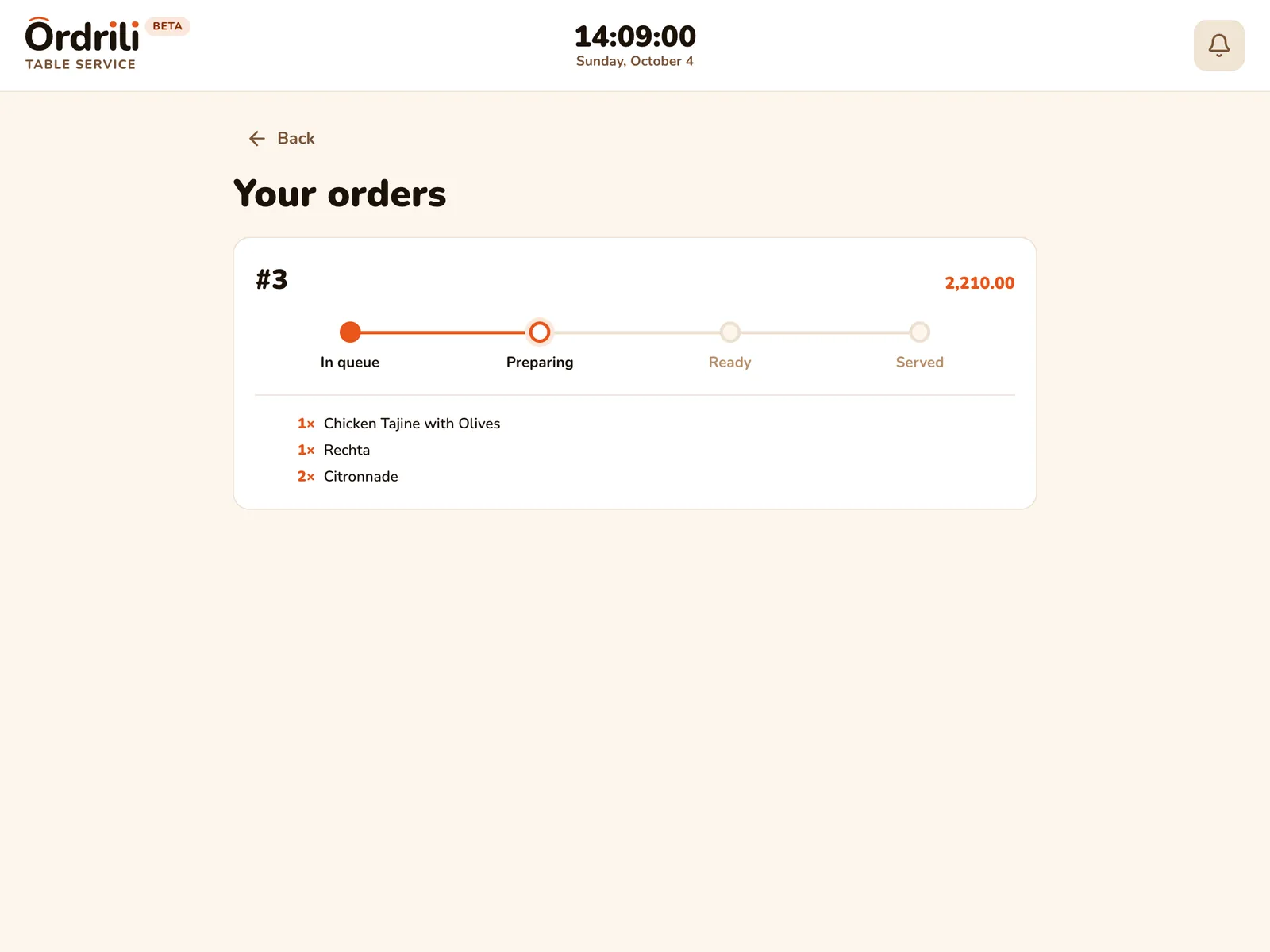
“My orders” shows each order from placed to served.
Questions about this feature
One tablet per table with the Ordrili Spot app, ideally on a stand. Any recent Android tablet works.
No. Guests order on the tablet and pay your staff as usual; the table closes once it is fully paid.
Use a roaming tablet: one tablet your waiter hands to any guest, then takes back.
Ready to run a smoother service?
Tell us about your place and we’ll call you within 24 hours to set it up with you.
Prefer to talk first?